
Xemii is here to help you.

1. How to find Google verification code
The system notifies you to enter a “two-factor authentication code” when logging in, transferring spot assets, withdrawing coins, or transacting OTC coins.
Please refer to How to start two-factor authentication code and proceed with two-factor authentication.
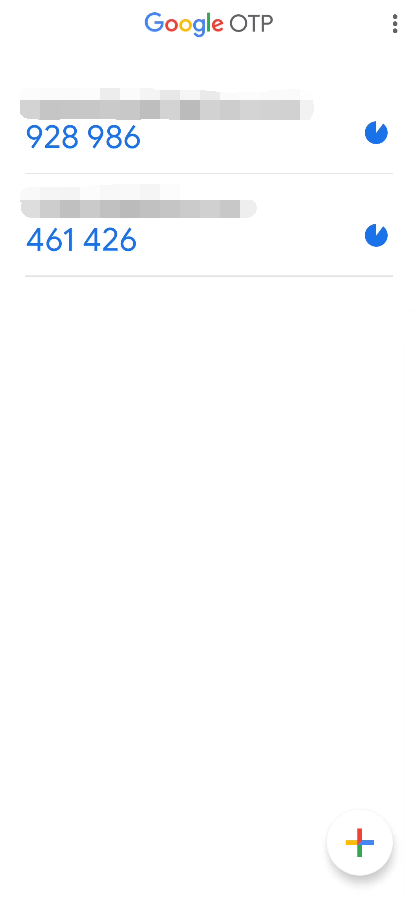
After authentication, you can find the two-factor authentication code in Google OTP.
* Please note that the two-factor authentication code must be entered within 30 seconds, and a new verification code will appear when Google OTP is closed.
2. What should I do if I do not receive a two-factor authentication code after losing my phone or deleting Google OTP?
If you do not receive the two-factor authentication code, we recommend that you log in to the site below, apply for deletion, and link your account again.
https://www.web.xemiiex.com/mypage/otp/downloadProceed according to the procedure in3. Two-factor authentication update notification appears in the system, what happened?
After entering the two-factor authentication code, a notification will pop up in the system saying “System update in progress, Google OTP can be modified after correction”.
4. I did all the steps correctly, but why does the system display a two-factor authentication code error notification?

This is usually because you selected the wrong key type when opening Google OTP.
Check that you have selected “Time-based”, and if a verification code error occurs due to this problem, please refer to “How to close Google verification” and link your account again.